ITSoneDB Connector
The ITSoneDB Connector allows querying ITSoneDB by using an API service with the same query schema available at the database website. In particular, it is possible to access the ITSoneDB entries by using the following parameters: species name, taxon name and entry accession (Supplementary Figure 5*)*.
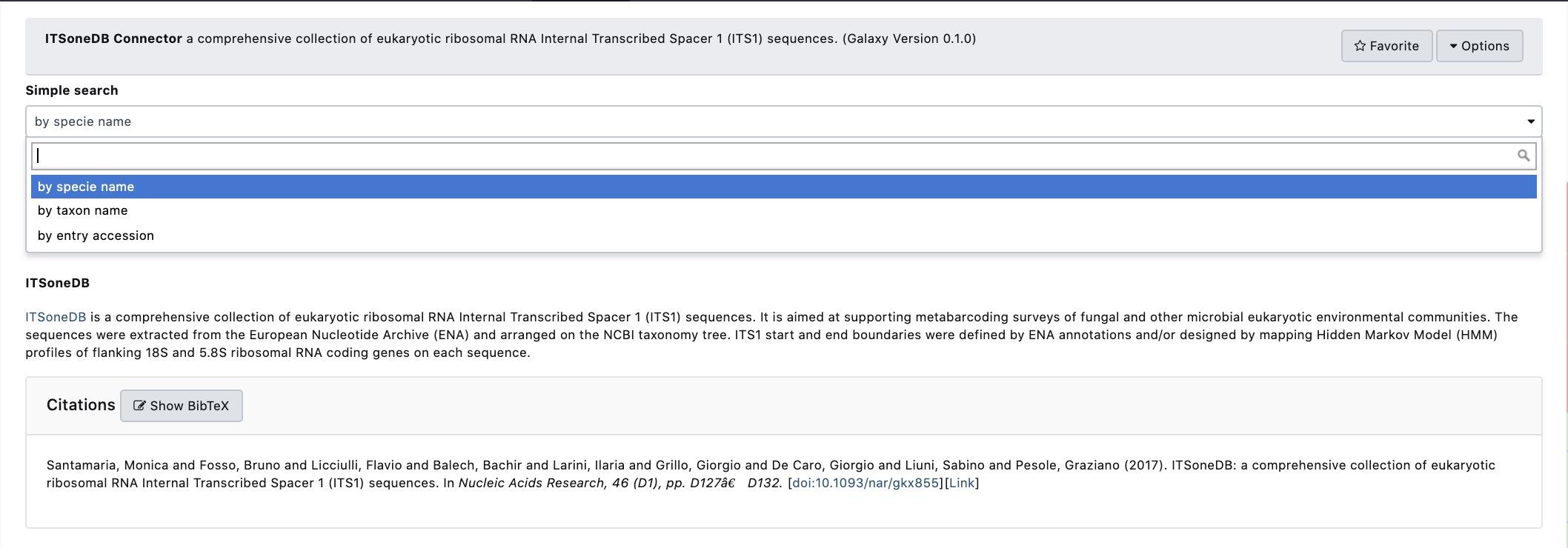
Supplementary Figure 5: : A snapshot of the ITSoneDB connector Service. ITSoneDB entries are accessible by using species name, taxon name and entry accession.
In order to streamline querying by using both species and taxon names an interactive drop-down menù is available (Supplementary Figure 5). For instance, in Figure ITSoneDB Connector 2 ITSoneDB is accessed by using the species name Aspergillus flavus.
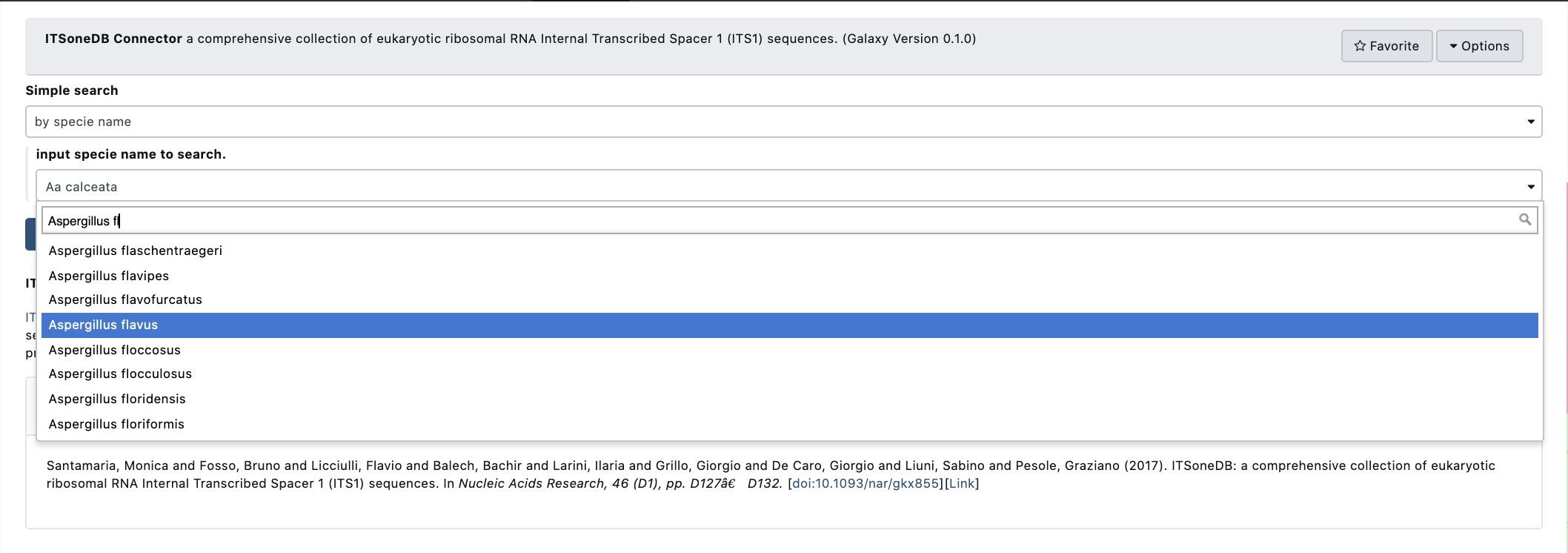
Supplementary Figure 6: The ITSoneDB connector service suggests a list of possible species names according to the user typing.
As the species name selection is completed by clicking the “execute” button, the data retrieval from ITSoneDB is executed Supplementary Figure 7).
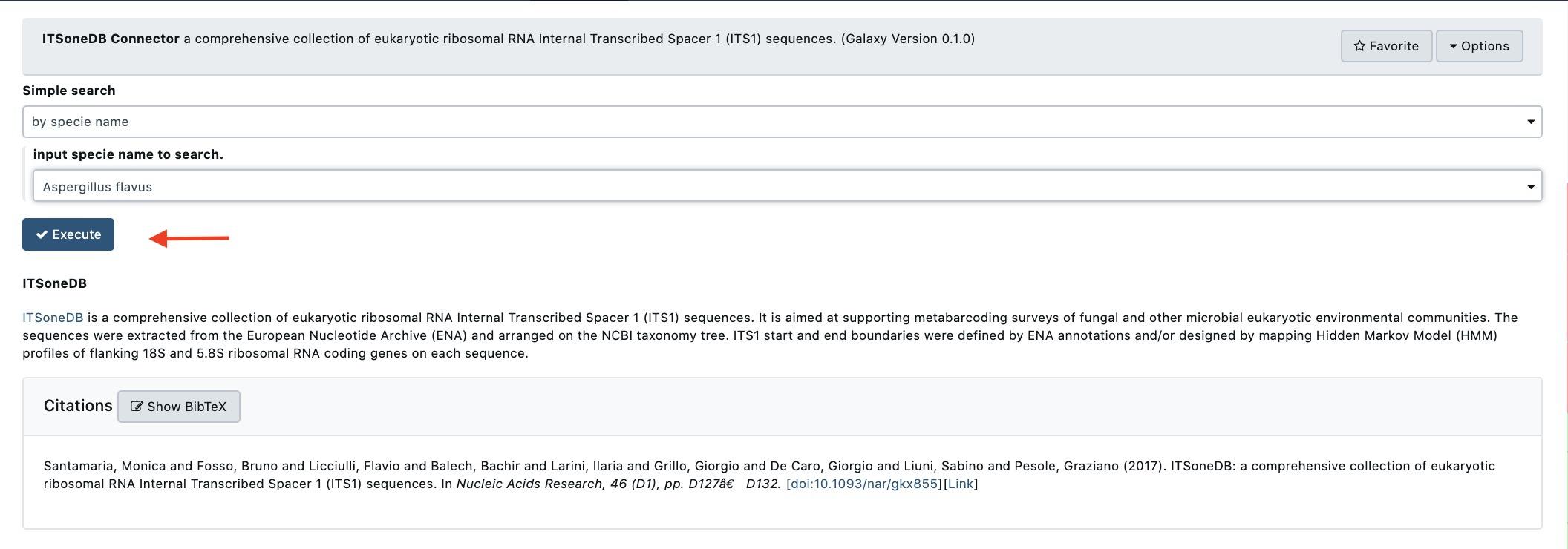
Supplementary Figure 7: Following the query parameters selection ITSoneDB is accessed by clicking the “Execute” button.
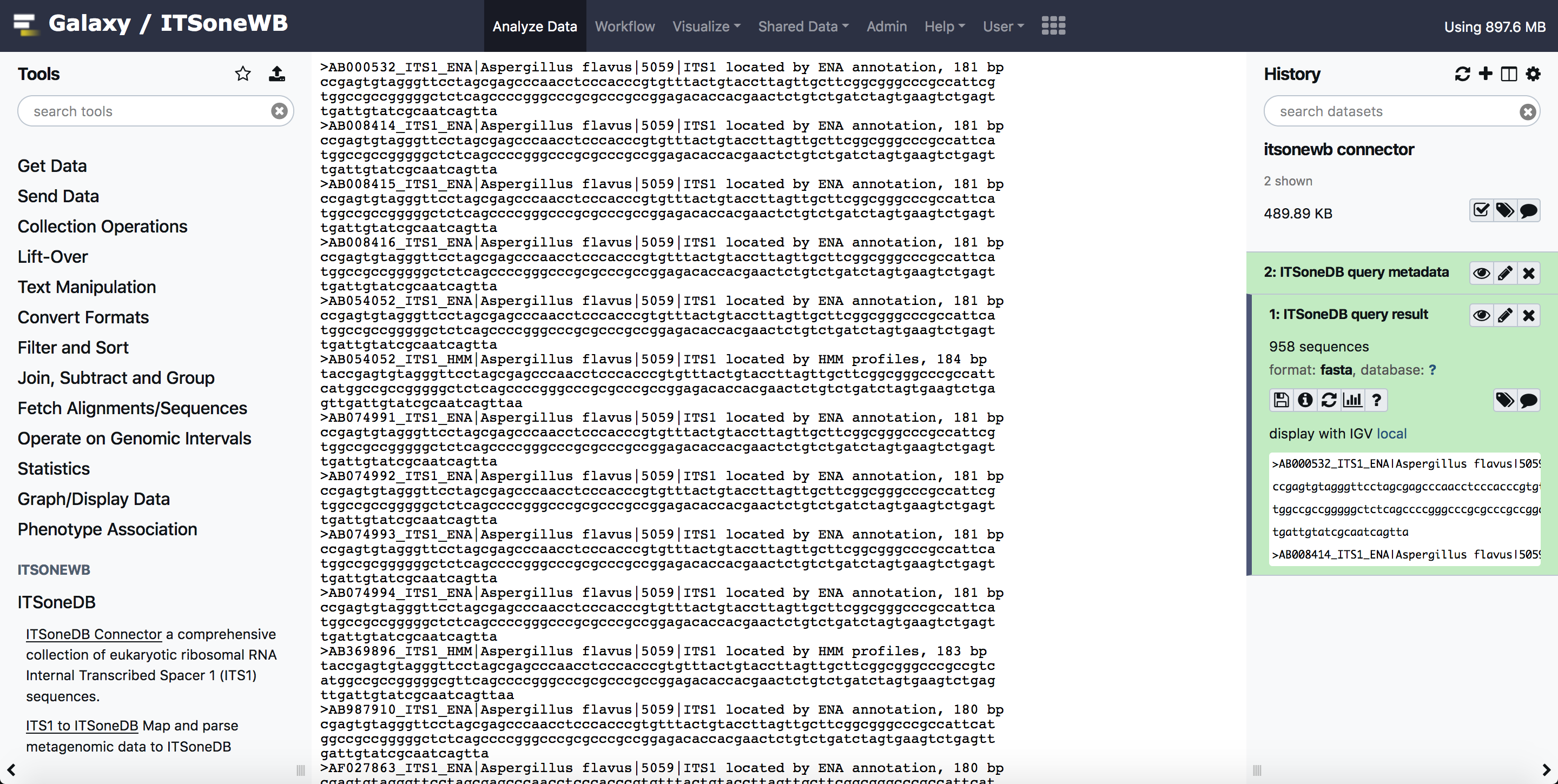
The query retrieves ITS1 fasta sequences and the contextual metadata. As exemple, 958 ITS1 belonging to Aspergillus flavus are available in ITSoneDB and retrieved. The metadata are arranged in a tabular file containing 5 fields:
Accession: ENA Accession number from which the ITSoneDB sequence was obtained;
Taxon name: The ITS1 taxonomic given name;
ITS1 localization: the method used to infer the ITS1 location (ENA or/end HMM);
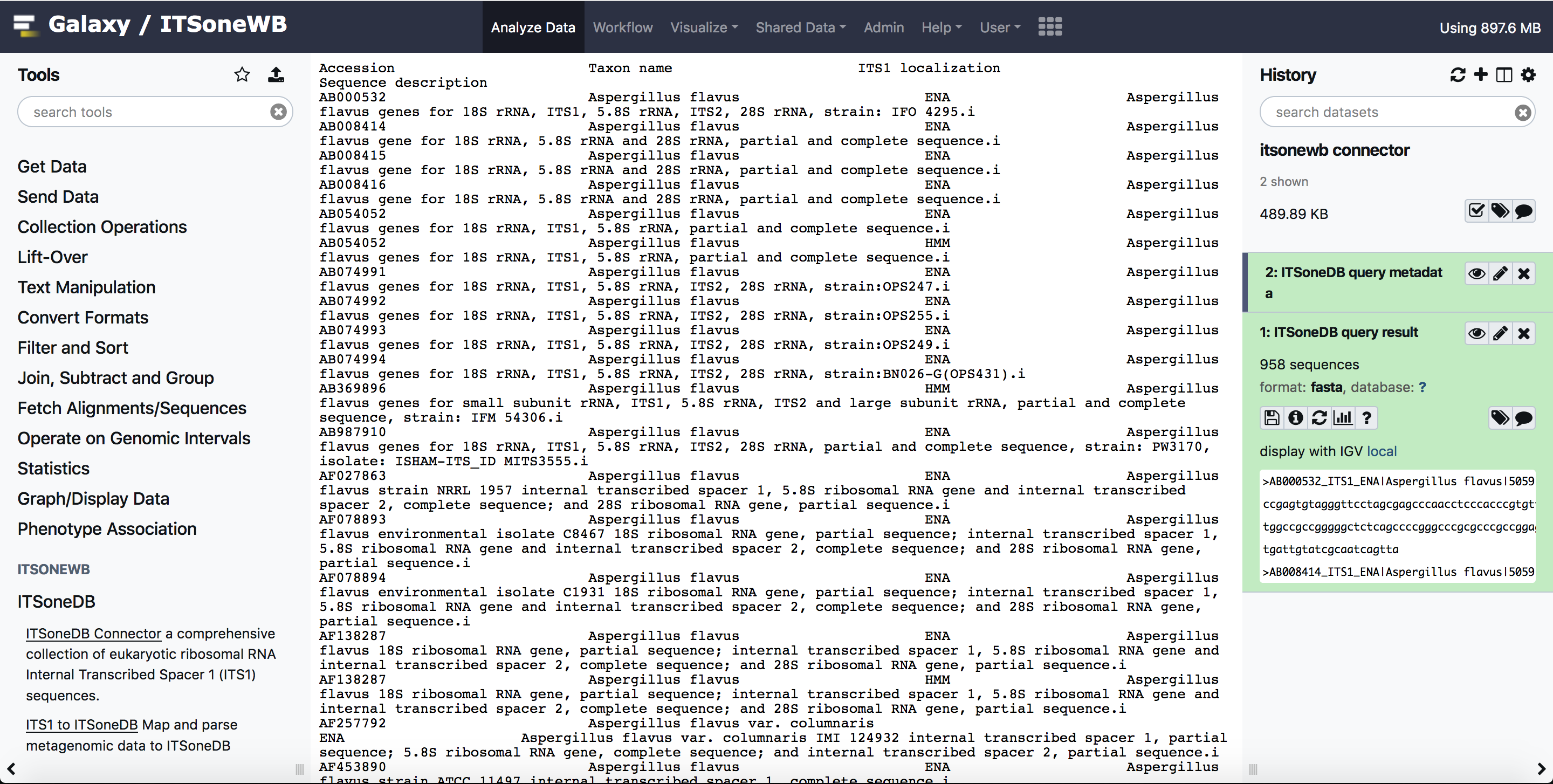
Sequence description: the description of the sequences retrieved from the original ENA entry.
This information are downloadable as a textual file that can be imported in Excel.

Supplementary Figure 8: A snapshot of the obtained metadata file.
Usage
The tool allows to query ITSoneDB by specie name, taxon name and accession number`:
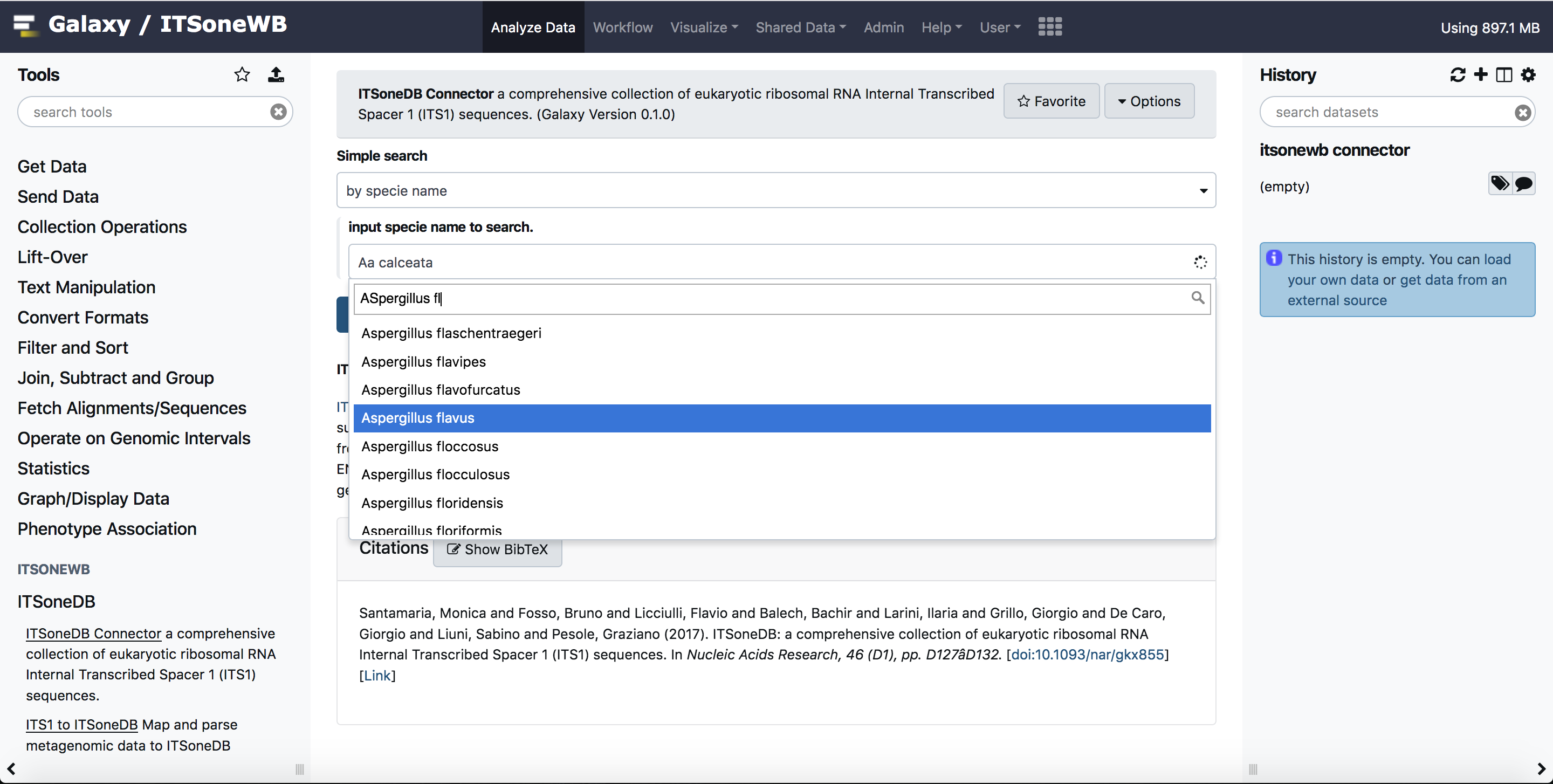
The ITSoneDB connector provides the output sequences and the metadata file:
Galaxy Docker version
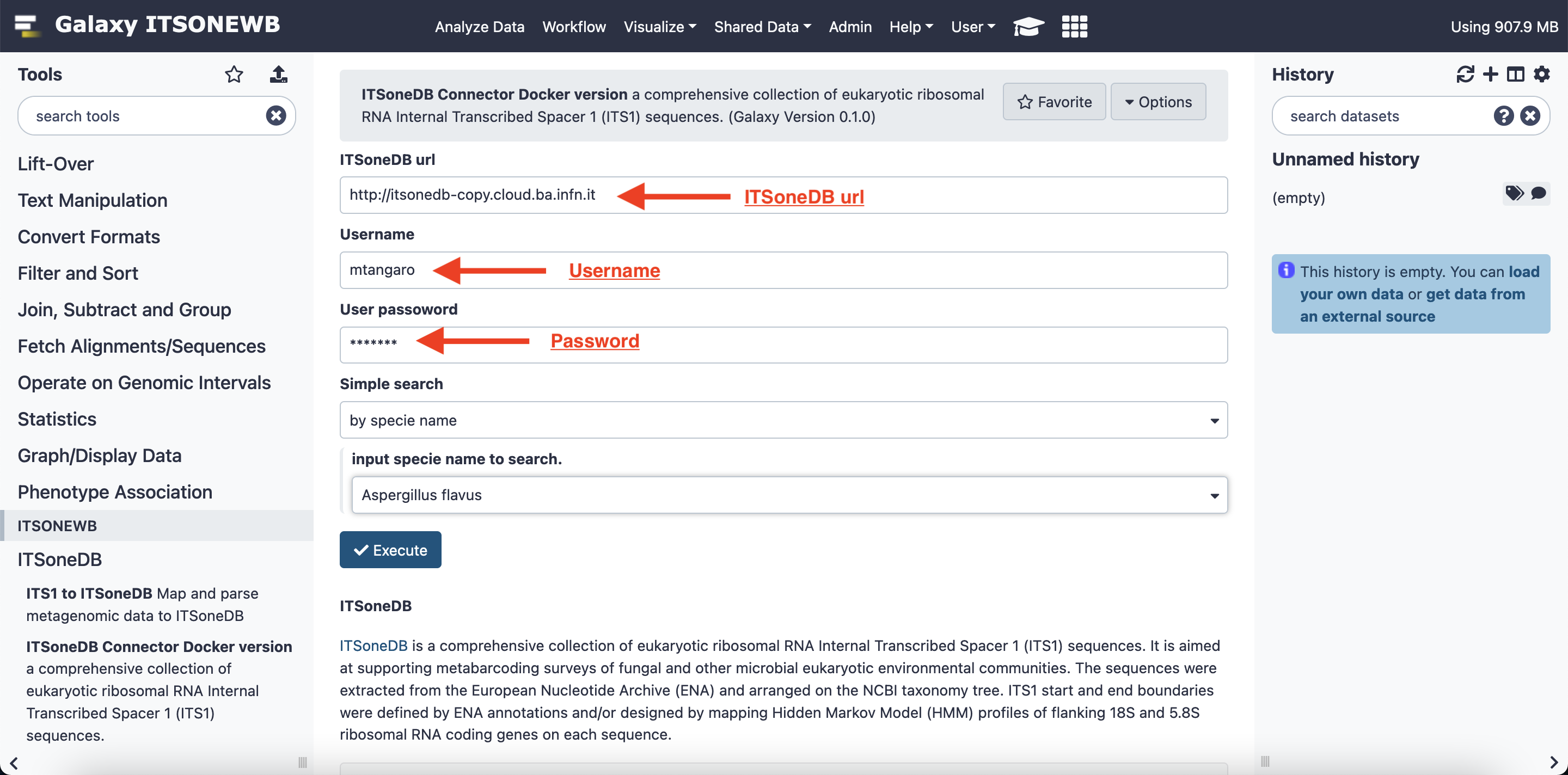
The ITSoneDB Connector tool shipped with the Docker version of the Workbench requires three additional info:
ITSoneDB Url: the Database URL
User registered name
User registered password
Warning
This version of the ITSoneDB Connector is intended for personal use only. For security reason these information are not public, but the access can be requested by mail.
Install on Galaxy
Galaxy is able to automatically solve Conda dependecies when a tool is started.
To install the ITSoneDB Connector on Galaxy:
Clone the ITSoneWB repository
git clone https://github.com/ibiom-cnr/itsonewb.git
Add the TSoneDB Connector entry in the galaxy
tool_conf.xmlfile with your favourite editor:<section name="ITSoneDB" id="itsonedb"> <tool file="/path_to_itsonewb/itsonewb/itsonedb_wrapper/itsonedb_wrapper.xml" /> </section>
Add the search drop down menu as
.locfiles. To include them in Galaxy, please refer to the Galaxy Project documentation. The*locfiles are on our github repository (itsonedb_wrapper/tool-data) with the correspondingtool_data_table_conf.xmlentry.Finally restart Galaxy.
Warning
For security reasons this tool is provided only as Galaxy tool. Docker version and APIs are also available for privaate usage. Please contact us by mail.